

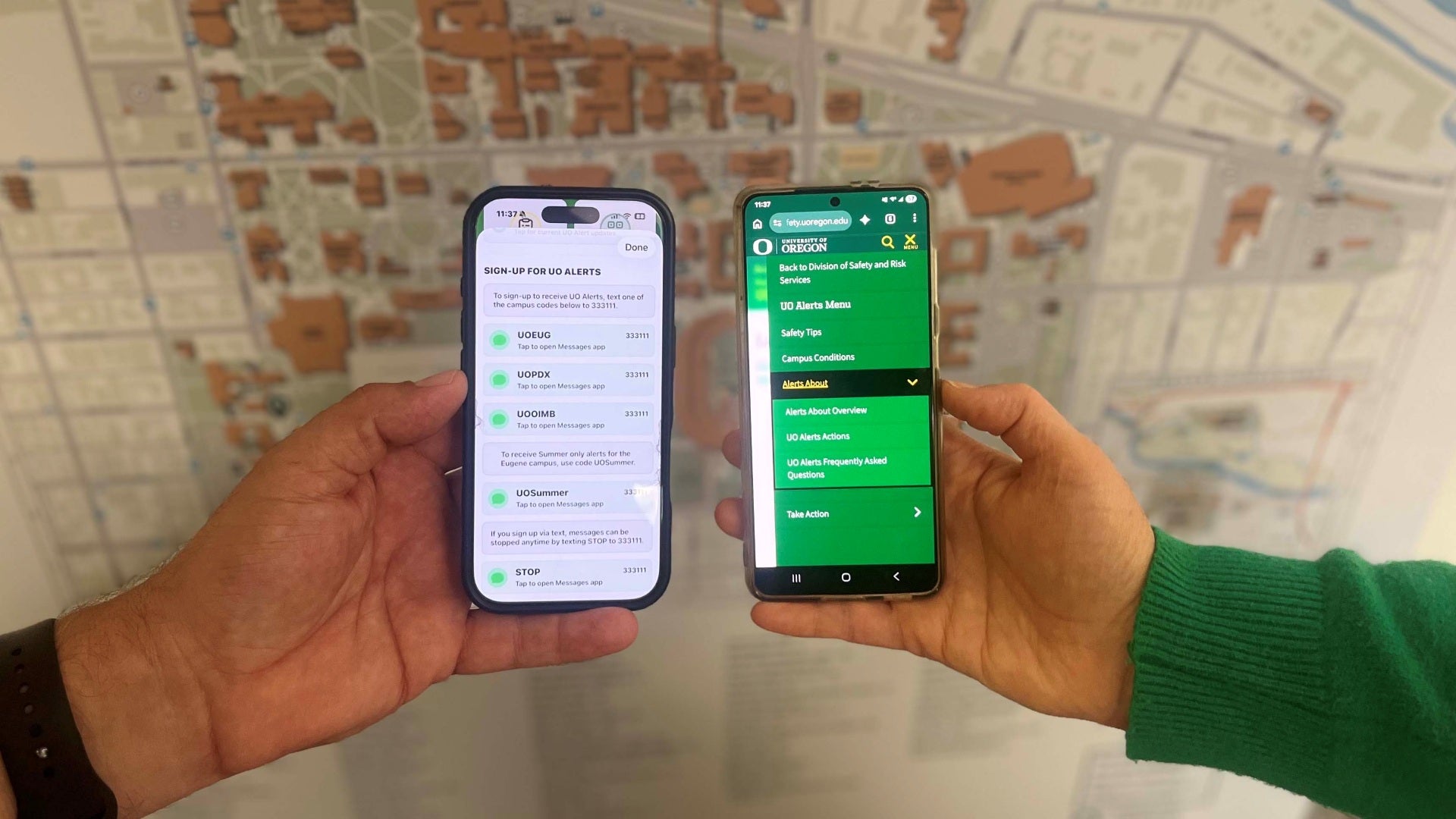
The University of Oregon has begun using a set of standardized cues in its UO Alerts messaging.
UO Alerts Actions are keywords or phrases designed to help the campus community act quickly to make decisions for their safety. During an incident, UO Alerts texts are sent starting with a UO Alerts Action followed by a location.
UO Alerts Actions and descriptions
- Be Aware – This is informational and a reminder to pay attention to your surroundings.
- Avoid – Stay away from the indicated area.
- Evacuate – Leave the indicated area immediately and move to a safer location.
- Shelter – Go indoors or seek cover to protect yourself from external environmental hazards in the indicated area.
- Run.Hide.Fight - This is for an active threat. Run if you have a clear escape path. Hide behind a locked door, furniture or walls. Fight only as a last resort.
- All Clear – The emergency has concluded and the immediate threat is over.
How and when are alerts sent?
In a time-sensitive situation, once an incident is confirmed, the university may send a text notification. Individuals must opt-in to receive UO Alerts texts. For UO employees and students there are three ways to opt in; select one:
- Add your phone number in DuckWeb.
- Text a campus code (UOEUG, UOPDX, UOOIMB) to 333111.
- Sign-up from UOregon Mobile by selecting one of the sign-up options under the Emergency section and sending your chosen campus code using your phone’s text messaging app.
Information that is not an emergency notification needing immediate action may be sent by email only. All uoregon.edu emails are opted-in automatically to receive alerts. Updates, when and if available, are posted to the Alerts page.
Learn more about UO Alerts and how to be prepared on the Emergency Management and Continuity Program webpage.